Overview
- Guide To Grant Meta Page Access To Xedea
- Guide To Grant Meta Ad Account Access To Xedea
Guide To Grant Meta Page Access To Xedea
Step 1: Go to https://business.facebook.com/ and login to your
account
Step 2: Search for business setting
Step 4: Select on the page that you want to assign to us
Step 5: Click Assign Partners'
Step 6: Click ‘Business ID’
Step 7: Select Partial Access and enter Xedea’s
Business ID: 1624424247839256
Click ‘Next’ and You have done shared page to Xedea
Guide To Grant Meta Ad Account Access To Xedea
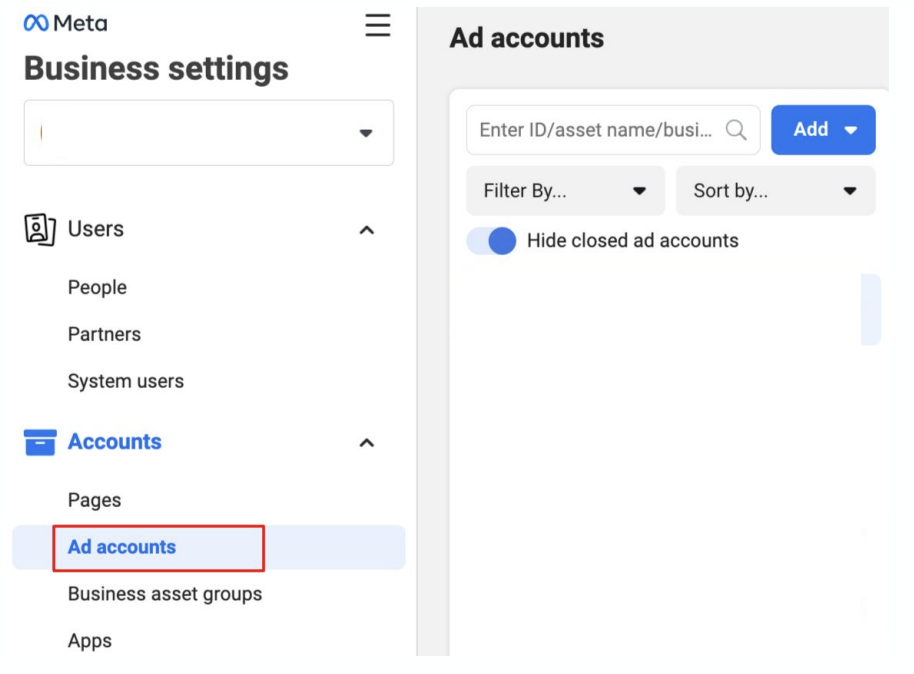
Step 1: Go back to business setting
Step 2: Search for Accounts
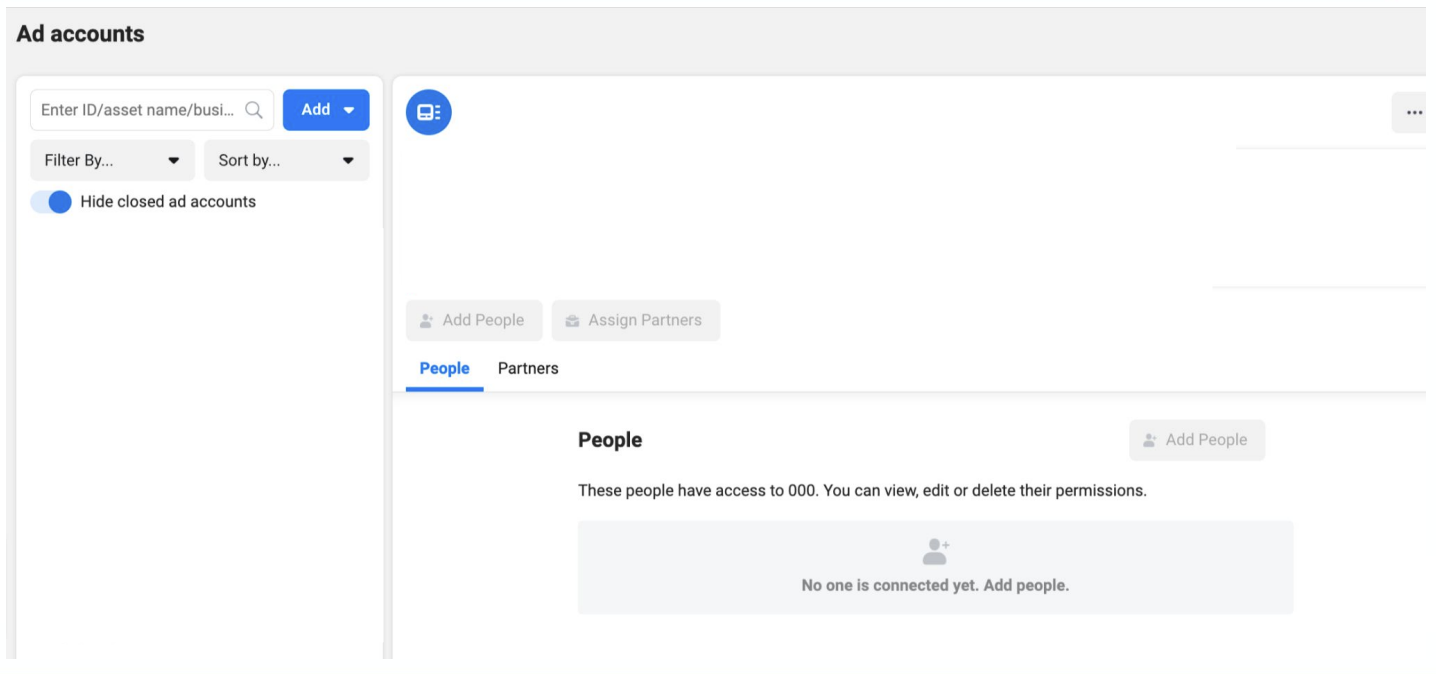
Step 3: Select on the ad account that you want to assign to us
Step 4: Click Assign Partners'
Step 5: Click ‘Business ID’
Step 6: Select Manage Campaigns’ and enter Xedea’s Business ID: 1624424247839256
Click ‘Next’ and You have done shared ad account to Xedea